LiteGraph 6.0

Multi-modal AI data platform

Store relationships, metadata, JSON data, and vectors in one graph database. Query it with a Cypher/GQL-inspired language, mutate it transactionally, secure it with scoped credentials, and observe it with Prometheus, OpenTelemetry, and Grafana.

Native Graph Query Graph Transactions SQLite Default PostgreSQL Ready MCP Server MIT License

Ready For Production AI Applications

LiteGraph brings the core database, server, SDKs, MCP tools, console, dashboard, and operational stack into one coordinated release.

Native Graph Query

Run Cypher/GQL-inspired graph reads, traversals, filters, aggregates, supplied-vector search, and child-object mutations inside one tenant and one graph.

Graph Transactions

Commit or roll back graph-scoped node, edge, label, tag, and vector changes as a single unit with structured operation results.

Graph Plus Vector Search

Attach vectors to graph objects and use HNSW indexing, metadata filters, and graph context together instead of splitting data across separate systems.

Provider-Neutral Storage

Use SQLite by default for zero-config development and PostgreSQL for production. MySQL and SQL Server have explicit provider placeholders for future expansion.

RBAC And Scoped Credentials

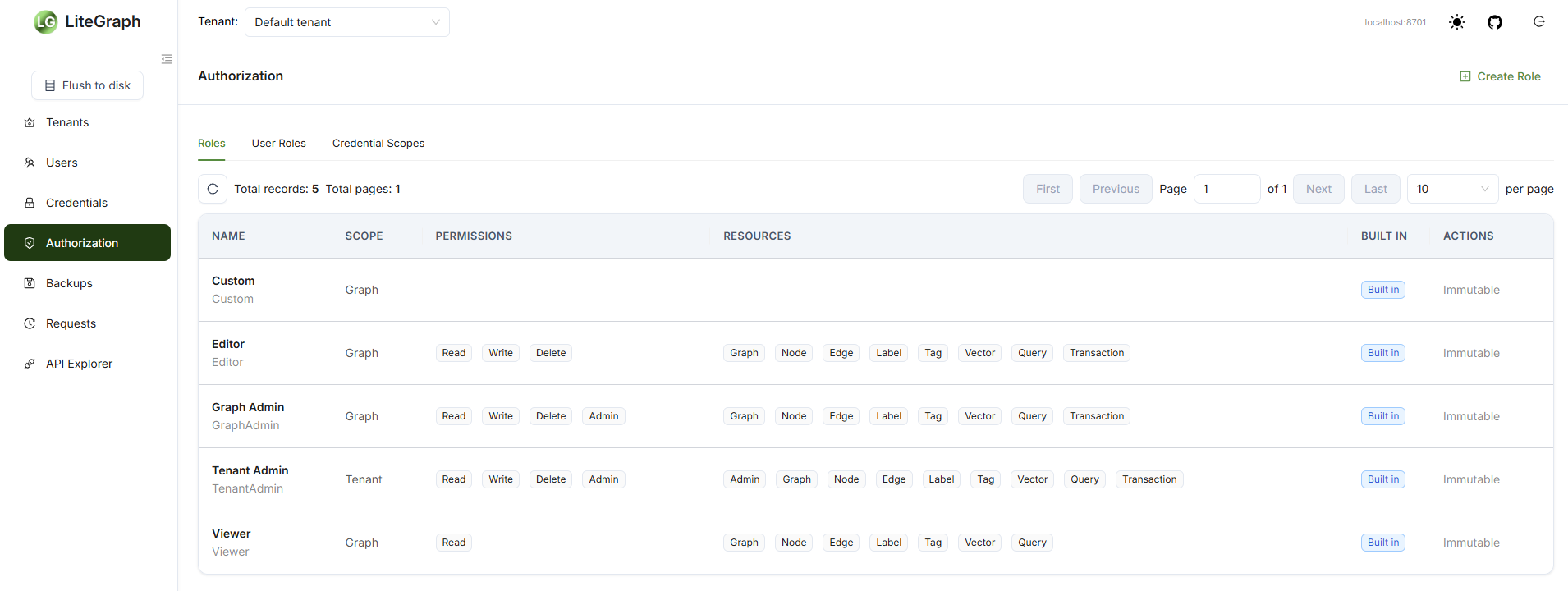
Protect REST and MCP access with built-in roles, custom roles, credential scopes, immutable system roles, and authorization audit records.

MCP Server

Let MCP-compatible AI tools inspect, query, and mutate LiteGraph through a maintained server with REST-boundary authorization.

Query Relationships Directly

LiteGraph native graph query is a parser-backed, LiteGraph-native profile inspired by familiar graph query models.

MATCH (person:Person)-[works:WORKS_ON]->(project:Project)
WHERE person.data.role = $role
RETURN person, works, project
ORDER BY person.name
LIMIT 10

Execution surfaces

Query from every surface

Use the same graph-scoped query model from embedded applications, HTTP clients, MCP tools, and terminal workflows.

  • C# embeddedclient.Query.Execute(...)
  • RESTPOST /v1.0/tenants/{tenantGuid}/graphs/{graphGuid}/query
  • MCPgraph/query
  • Consolelg --execute "MATCH (n) RETURN n"
Open the query language guide

Operationally Ready

PostgreSQL Production Backend

SQLite remains the local default. PostgreSQL is the recommended production backend with provider-specific SQL, JSON filtering, transactions, and migration guidance.

Prometheus Metrics

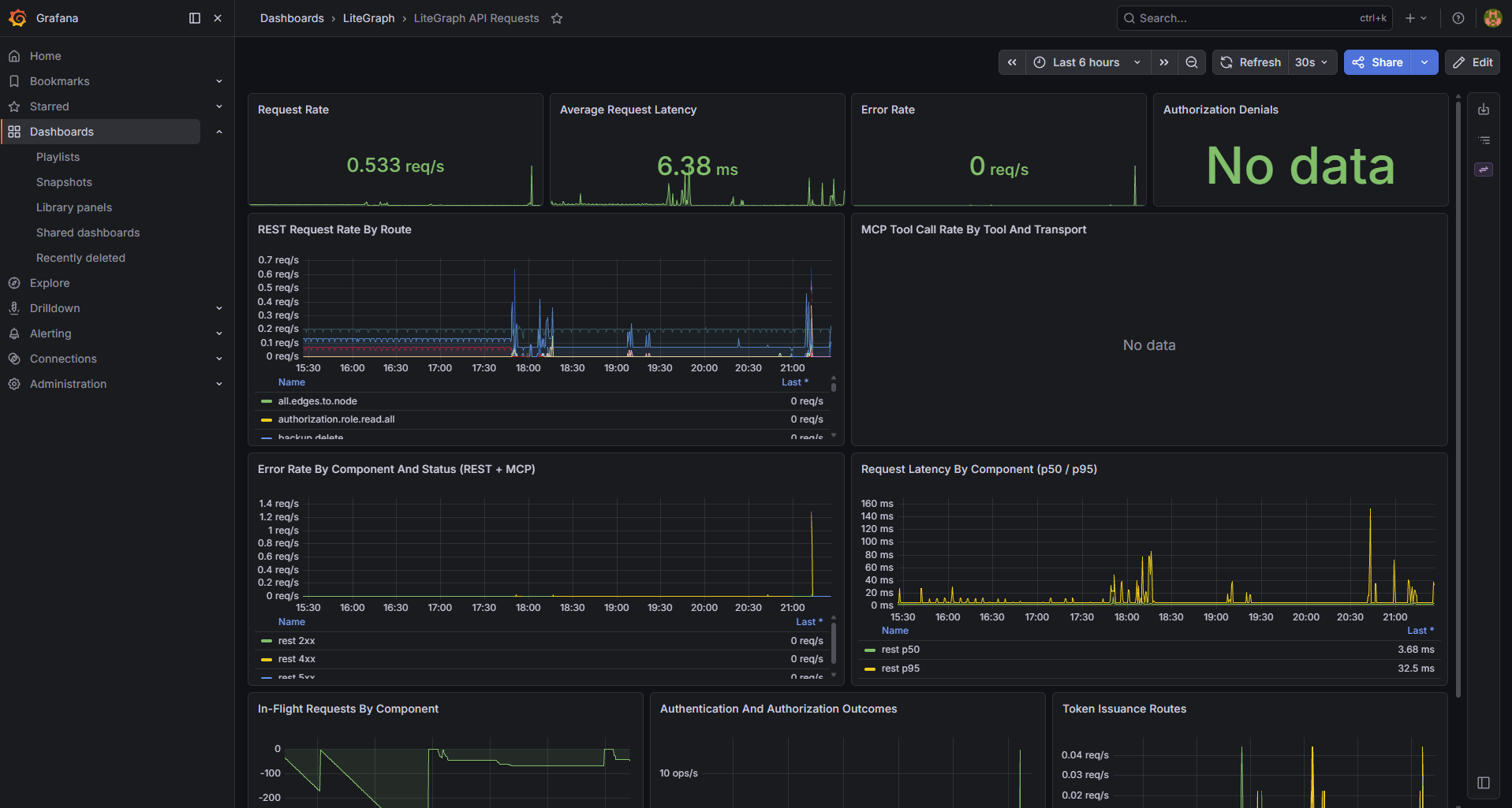
Expose HTTP, repository, query, vector, authorization, and request history metrics through the Prometheus-compatible /metrics endpoint.

OpenTelemetry Instrumentation

Trace request, repository, query, vector index, and authorization activity with LiteGraph-specific tags and status information.

Provisioned Grafana Dashboard

The Docker Compose stack starts Grafana OSS and Prometheus with a preloaded LiteGraph dashboard for immediate telemetry inspection.

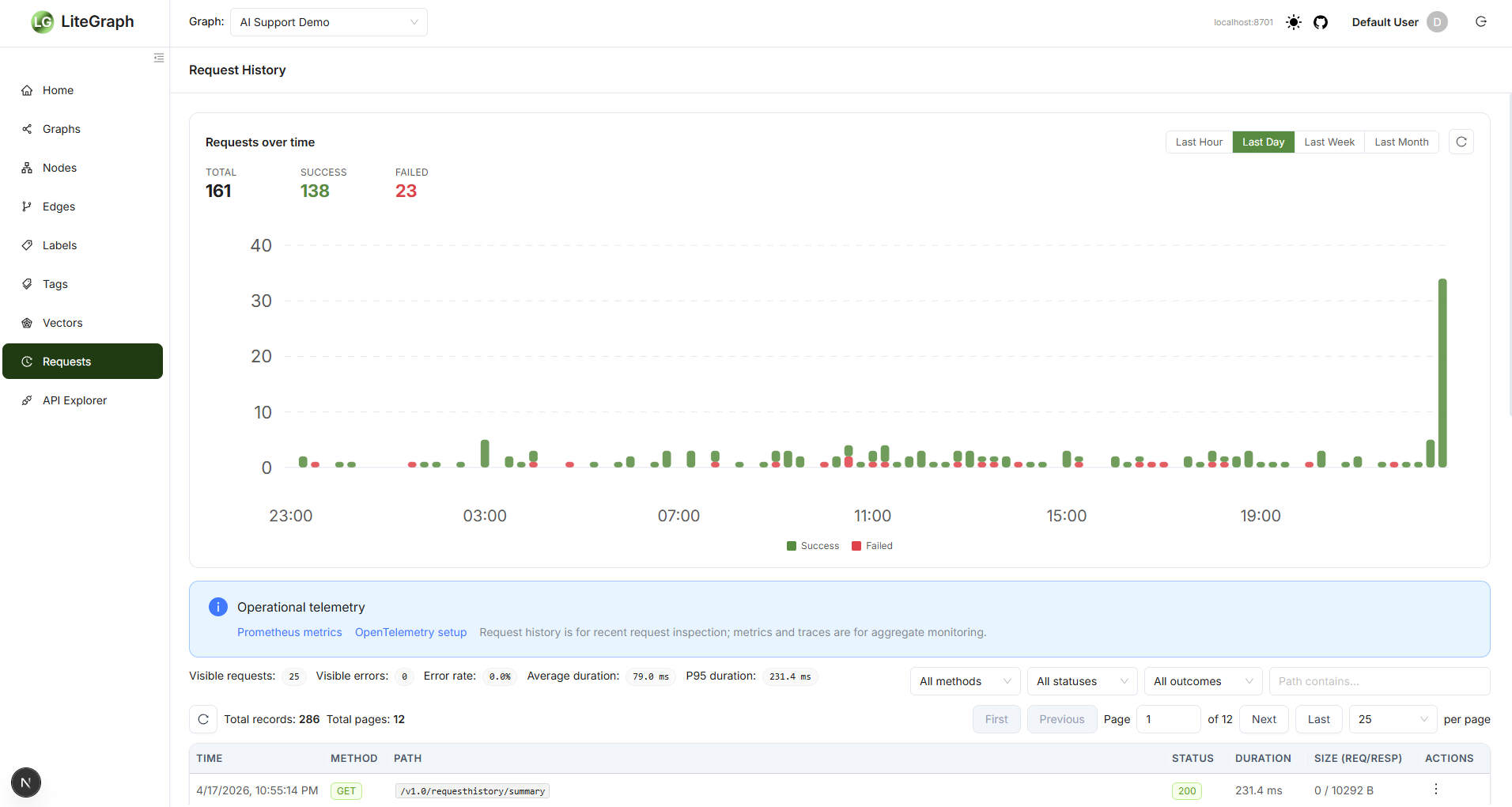
Request History

Use recent request details for debugging while Prometheus and OpenTelemetry carry aggregate monitoring and tracing.

LiteGraphConsole

Install the lg global tool for an interactive shell over a local database or remote endpoint, similar to using sqlite3.

Comprehensive Dashboard

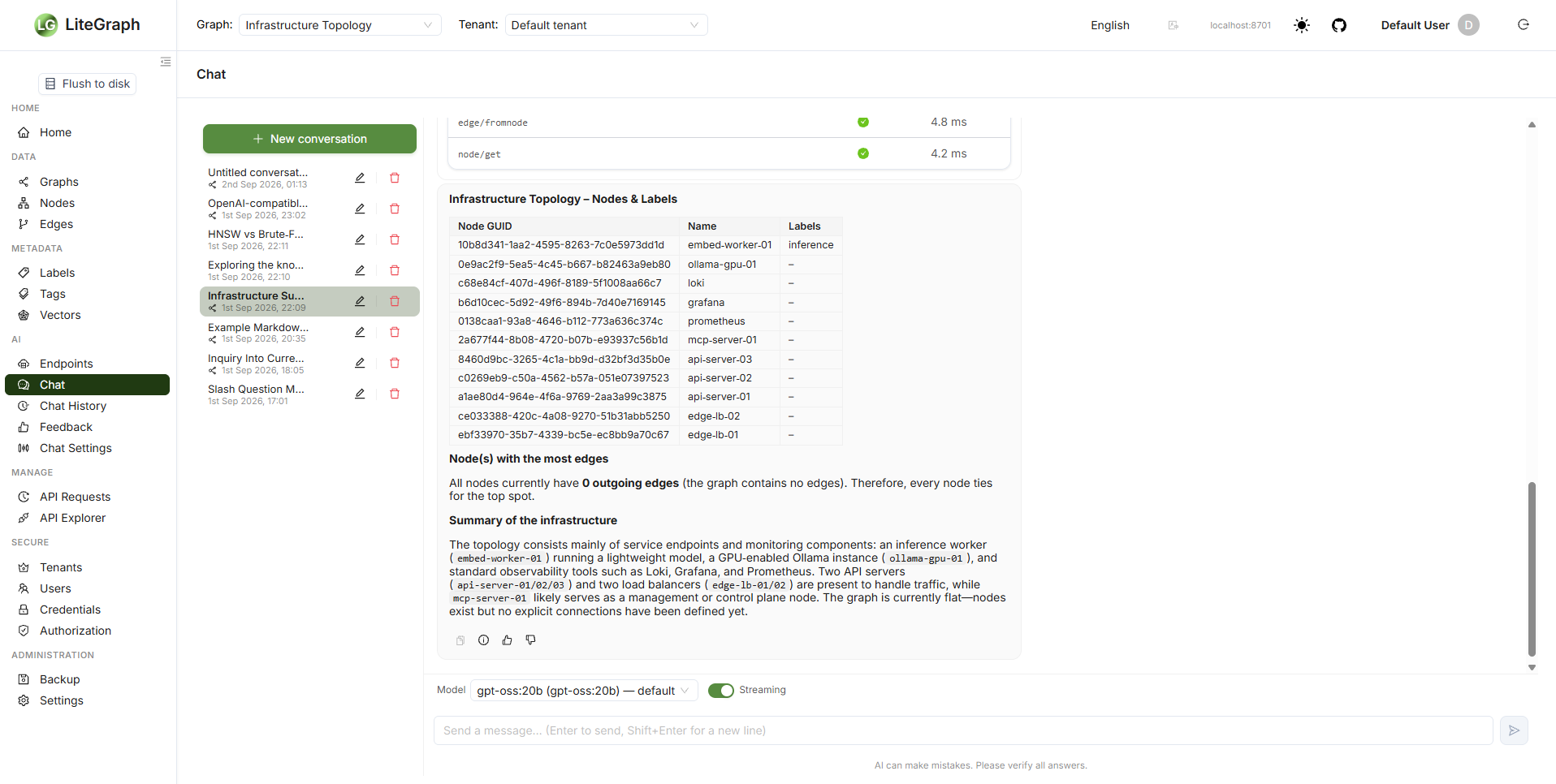
Manage authorization, inspect request history, explore API calls, view JSON records, and monitor operational state from the web dashboard.

SDK and MCP Coverage

C#, JavaScript, Python, REST, MCP, and dashboard surfaces are aligned with the v6 feature set where each surface is appropriate.

Where LiteGraph Fits

Use LiteGraph when graph structure, vector similarity, object metadata, and operational control need to live together.

AI

RAG Beyond Vectors

Combine semantic search with graph relationships, labels, tags, and JSON data for retrieval that keeps structure and meaning together.

KG

Knowledge Graphs

Model people, systems, documents, assets, events, and relationships with queryable metadata and typed graph edges.

AG

Agent Memory

Expose LiteGraph through MCP so AI agents can store context, inspect relationships, query history, and update graph state.

OP

Operational Graphs

Track infrastructure, identity, security, lineage, and dependency networks with transactional updates and production monitoring.

Get Started In Minutes

Run the full stack with Docker Compose, use LiteGraph embedded in .NET, call REST directly, or install the lg console.

git clone https://github.com/litegraphdb/litegraph.git
cd litegraph/docker
docker compose up -d

# LiteGraph REST: http://localhost:8701
# LiteGraph MCP:  http://localhost:8200
# Prometheus:     http://localhost:9090
# Grafana OSS:    http://localhost:3000
git clone https://github.com/litegraphdb/litegraph.git
cd litegraph

# Build the solution
dotnet build src/LiteGraph.sln -c Release -f net8.0

# Start LiteGraph Server
dotnet run --project src/LiteGraph.Server/LiteGraph.Server.csproj --framework net8.0

# Start the dashboard in another terminal
cd dashboard
npm install
npm run dev
curl -X POST http://localhost:8701/v1.0/tenants/${TENANT}/graphs/${GRAPH}/query \
  -H "Authorization: Bearer ${TOKEN}" \
  -H "Content-Type: application/json" \
  -d '{
    "Query": "MATCH (n:Person) WHERE n.data.role = $role RETURN n LIMIT 10",
    "Parameters": {
      "role": "engineer"
    },
    "MaxResults": 100,
    "TimeoutSeconds": 30
  }'
using System.Collections.Generic;
using LiteGraph;
using LiteGraph.GraphRepositories.Sqlite;

LiteGraphClient client = new LiteGraphClient(
    new SqliteGraphRepository("litegraph.db"));

client.InitializeRepository();

TenantMetadata tenant = await client.Tenant.Create(
    new TenantMetadata { Name = "Example tenant" });

Graph graph = await client.Graph.Create(new Graph
{
    TenantGUID = tenant.GUID,
    Name = "Knowledge graph"
});

Node ada = await client.Node.Create(new Node
{
    TenantGUID = tenant.GUID,
    GraphGUID = graph.GUID,
    Name = "Ada",
    Labels = new List<string> { "Person" },
    Data = new { role = "engineer" }
});

GraphQueryResult result = await client.Query.Execute(
    tenant.GUID,
    graph.GUID,
    new GraphQueryRequest
    {
        Query = "MATCH (n:Person) RETURN n LIMIT 10"
    });
curl -X POST http://localhost:8701/v1.0/tenants/${TENANT}/graphs/${GRAPH}/transaction \
  -H "Authorization: Bearer ${TOKEN}" \
  -H "Content-Type: application/json" \
  -d '{
    "Operations": [
      {
        "OperationType": "Create",
        "ObjectType": "Node",
        "Payload": {
          "Name": "Ada",
          "Labels": ["Person"],
          "Data": { "role": "engineer" }
        }
      }
    ],
    "MaxOperations": 100,
    "TimeoutSeconds": 30
  }'
# From the LiteGraph repository root
install-tool.bat

# Local SQLite database
lg --database litegraph.db \
  --tenant 00000000-0000-0000-0000-000000000000 \
  --graph 00000000-0000-0000-0000-000000000000

# Remote server
lg --endpoint http://localhost:8701 \
  --tenant ${TENANT} \
  --graph ${GRAPH} \
  --token ${TOKEN} \
  --execute "MATCH (n) RETURN n LIMIT 5"


Clients And Packages

C# / .NET

v6.0.0

Use LiteGraph embedded with SQLite or consume a LiteGraph Server through the C# SDK.

LiteGraph NuGet version LiteGraph NuGet downloads
Install via NuGet

JavaScript

npm

Use the JavaScript SDK for browser and Node.js applications that call LiteGraph Server.

npm i litegraphdb
View on npm

Python

PyPI

Use the Python SDK for scripts, ingestion jobs, and application services.

pip install litegraph_sdk
View on PyPI

REST And MCP

HTTP

Call REST directly or expose LiteGraph to AI tools through HTTP, TCP, and WebSocket MCP transports.

Docker Deployment

The checked-in Compose stack starts LiteGraph Server, LiteGraph MCP, Prometheus, and Grafana OSS.

Server And Dashboard Images

docker pull jchristn77/litegraph:v6.0.0
docker pull jchristn77/litegraph-mcp:v6.0.0
docker pull jchristn77/litegraph-ui:v6.0.0

cd docker
docker compose up -d

Observability

# Prometheus scrapes LiteGraph at:
http://localhost:8701/metrics

# Grafana is available at:
http://localhost:3000

# Default Grafana login:
admin / admin

What Starts

  • LiteGraph REST server on port 8701
  • LiteGraph MCP server on port 8200
  • Prometheus on port 9090
  • Grafana OSS on port 3000 with a provisioned LiteGraph dashboard
  • Named volumes for Prometheus and Grafana storage

Dashboard And Administration

The web dashboard is now aligned with v6 authorization, request history, API exploration, graph management, and operational monitoring workflows.

Dashboard Features

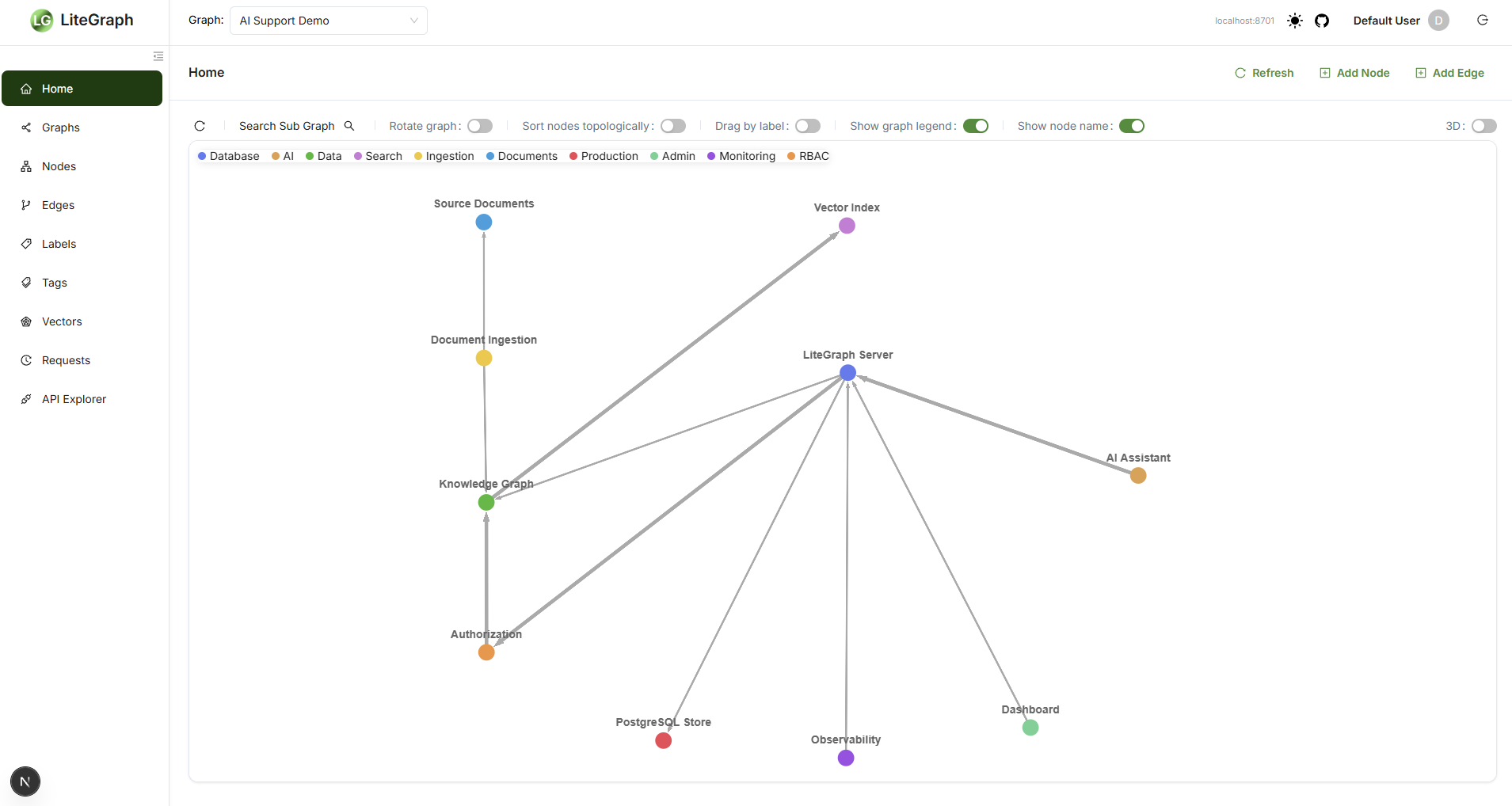
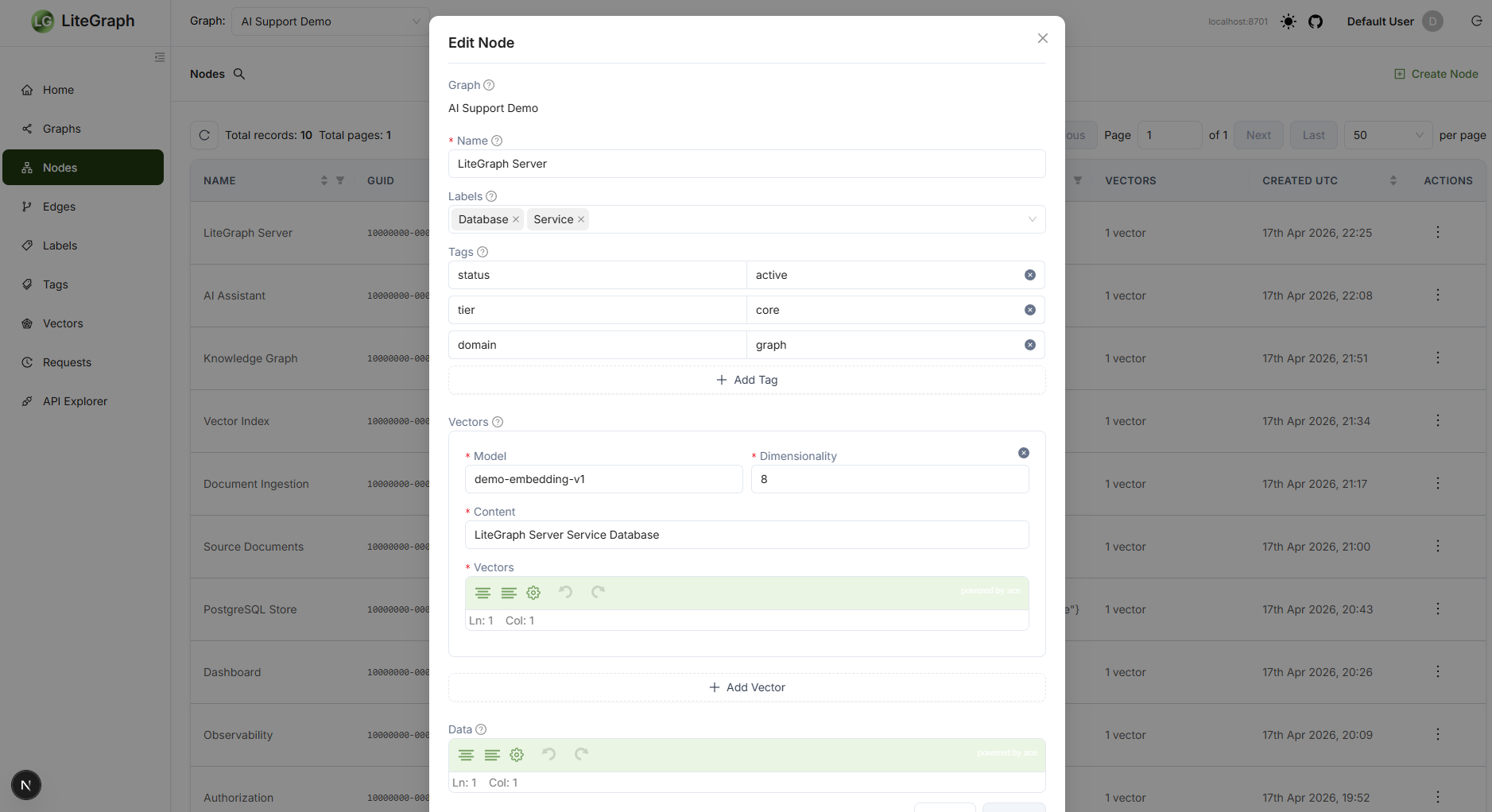
  • Graph Management - Create and manage graphs, nodes, edges, labels, tags, and vectors
  • Authorization - Manage roles, scopes, immutable built-in roles, and assignments
  • Request History - Inspect recent requests, timing, outcomes, JSON, and diagnostics
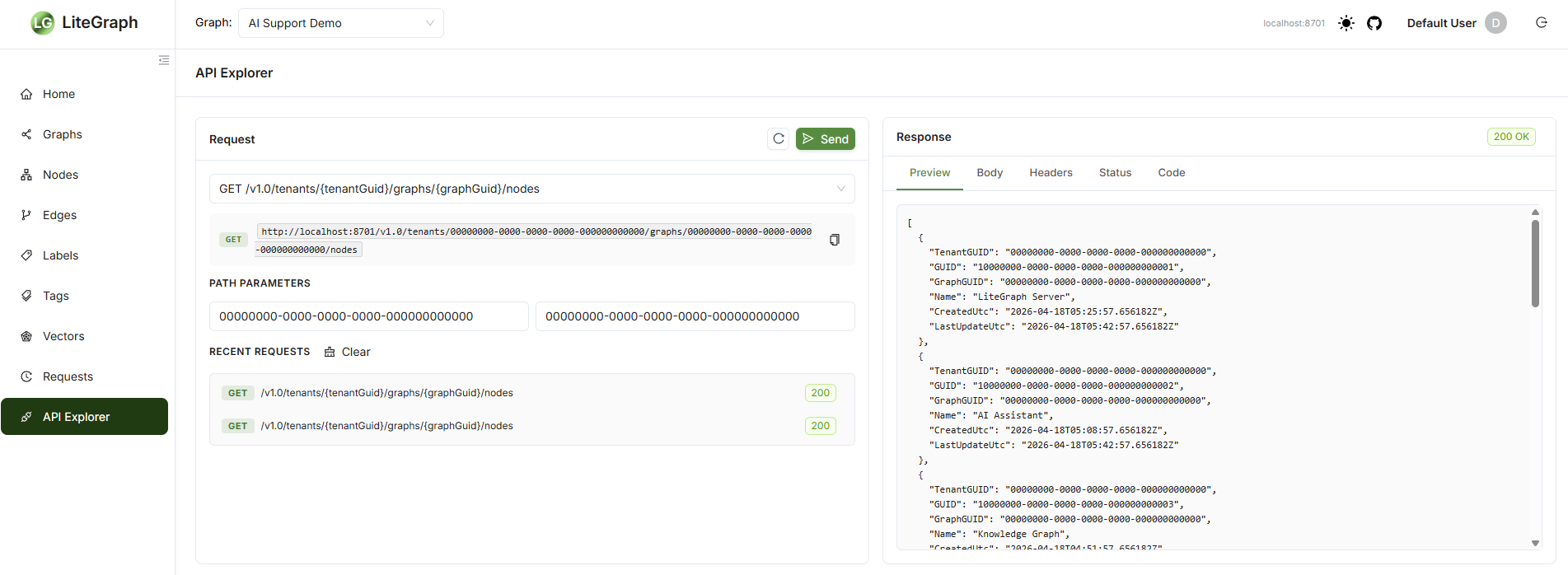
  • API Explorer - Send REST calls and query templates from the browser
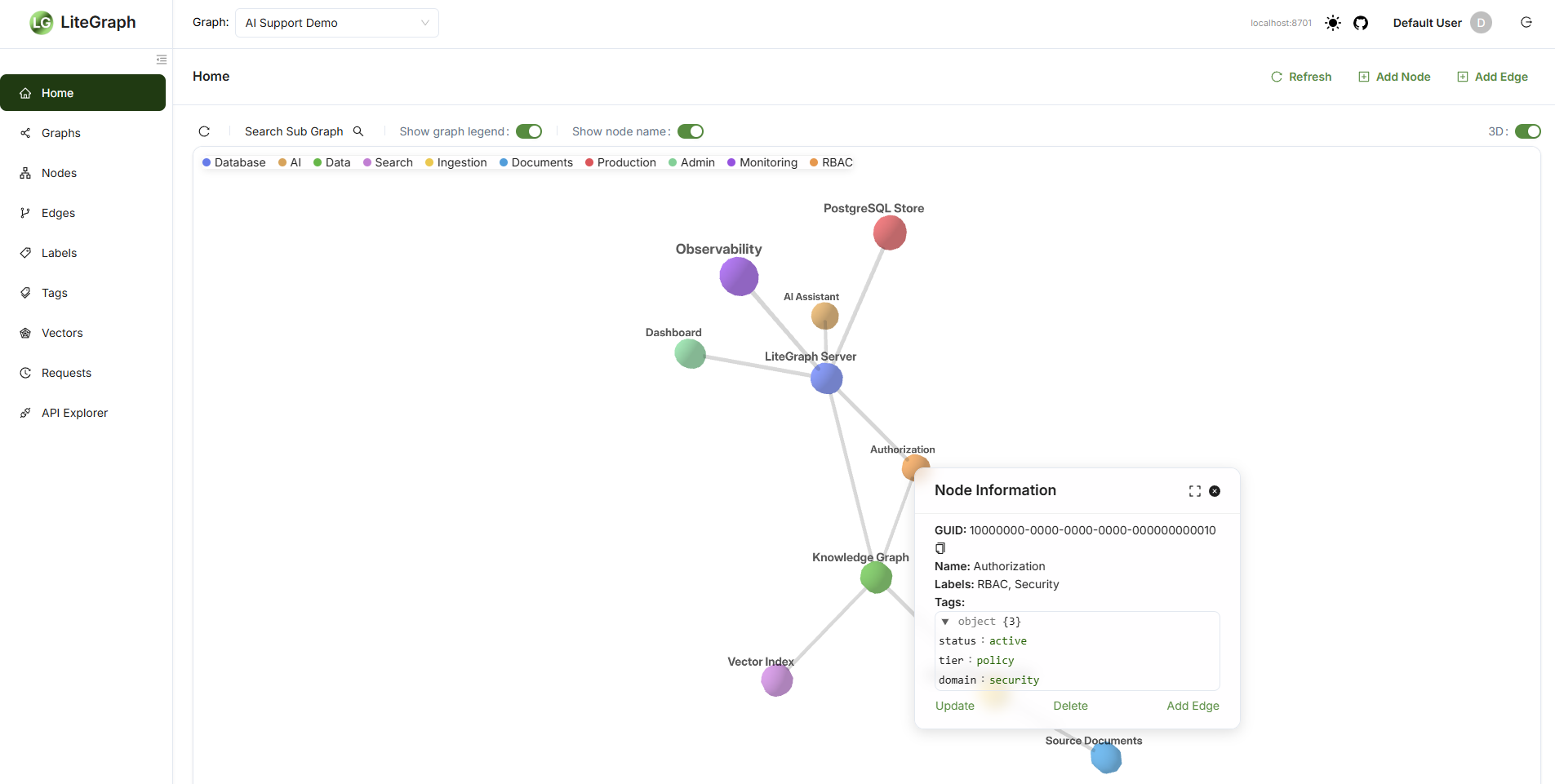
  • Visualization - Explore graph structure with 2D and 3D views
  • Operations - Use monitoring links and request detail views during administration

Run The Dashboard

docker run -d --name litegraph-ui -p 3000:3000 \
  -e LITEGRAPH_SERVER=http://localhost:8701 \
  jchristn77/litegraph-ui:v6.0.0

# Or run from the monorepo
cd dashboard
npm install
npm run dev